Digital Picking and Sorting Put to Light Wall System in Warehouse

Product Description

Products Description
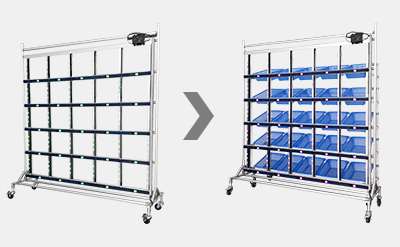
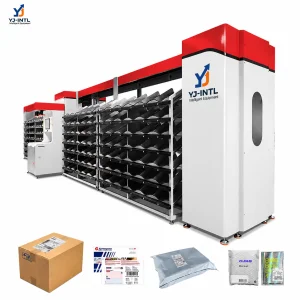
DAS (Digital Assorting System)

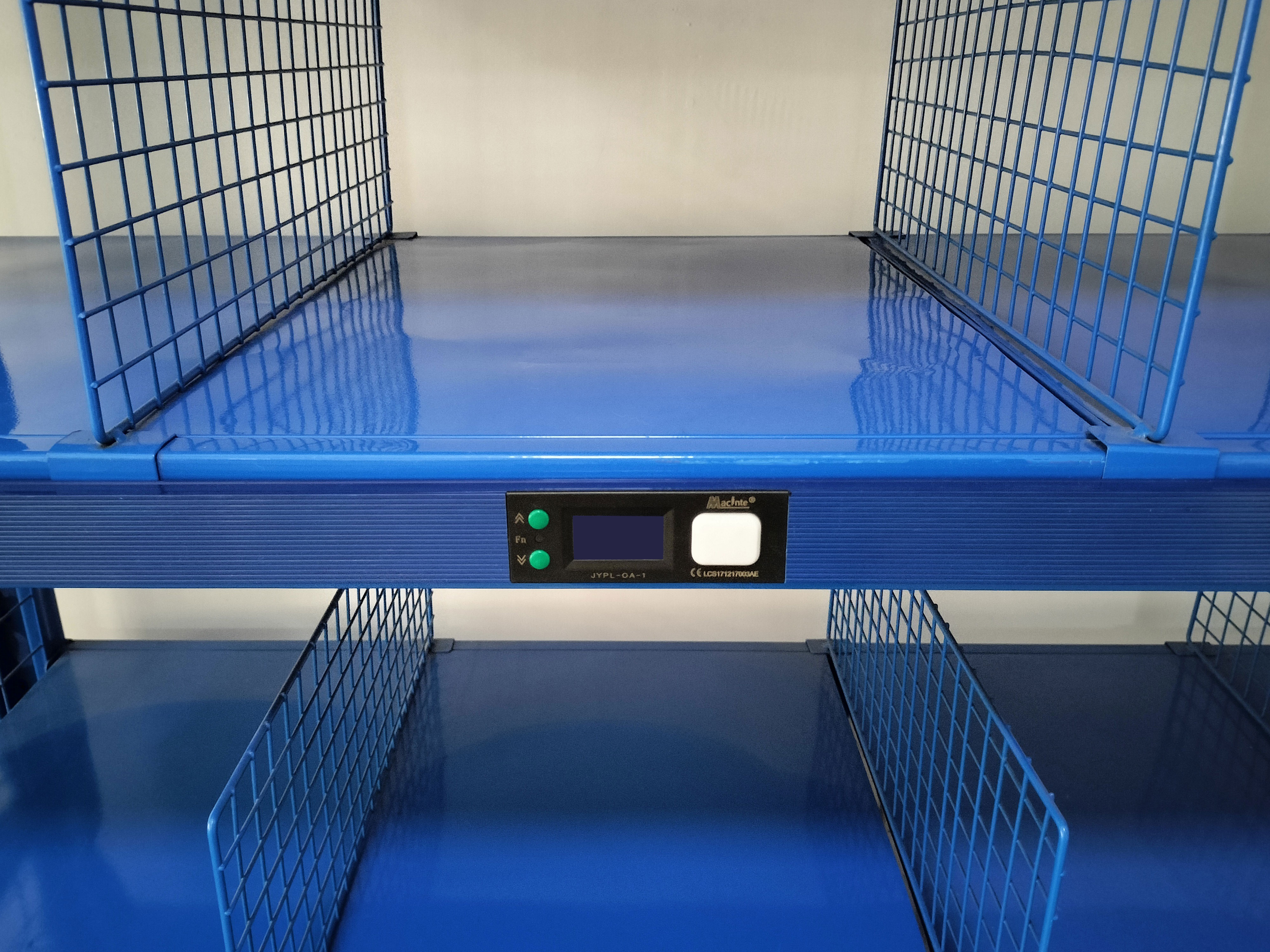
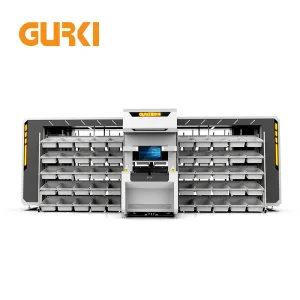
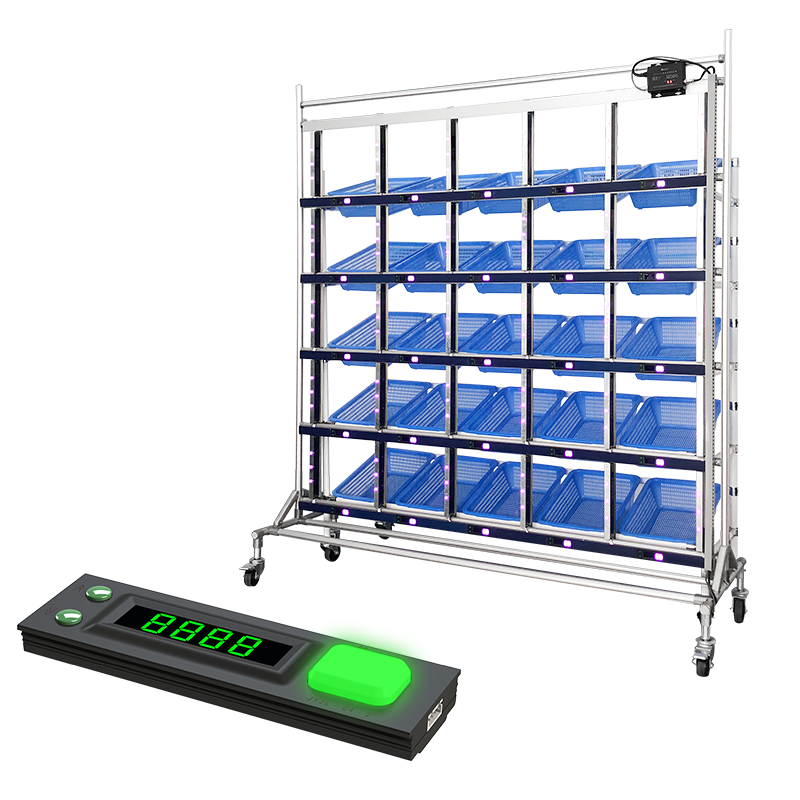
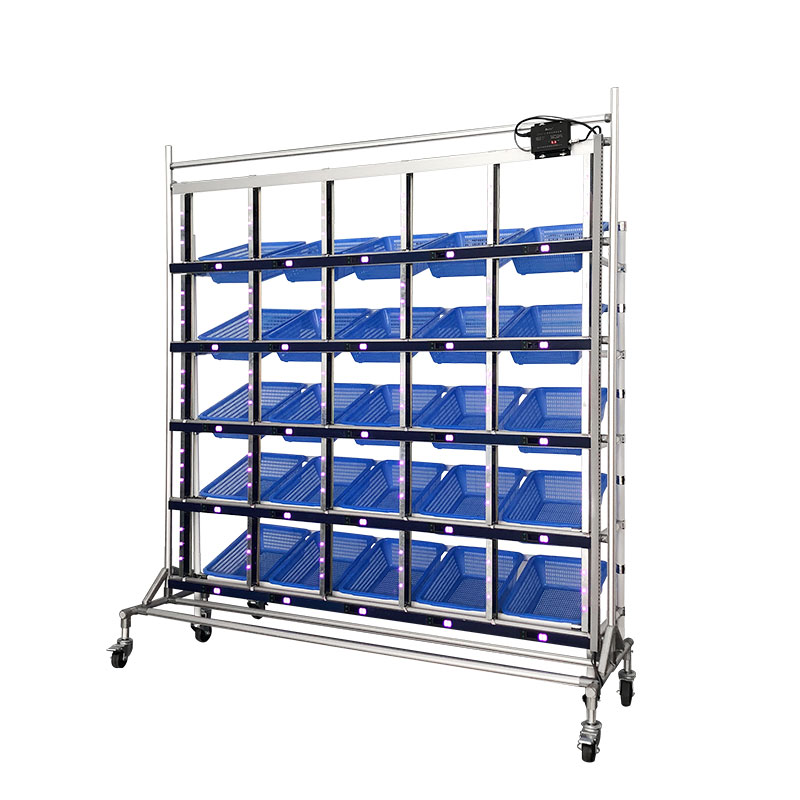
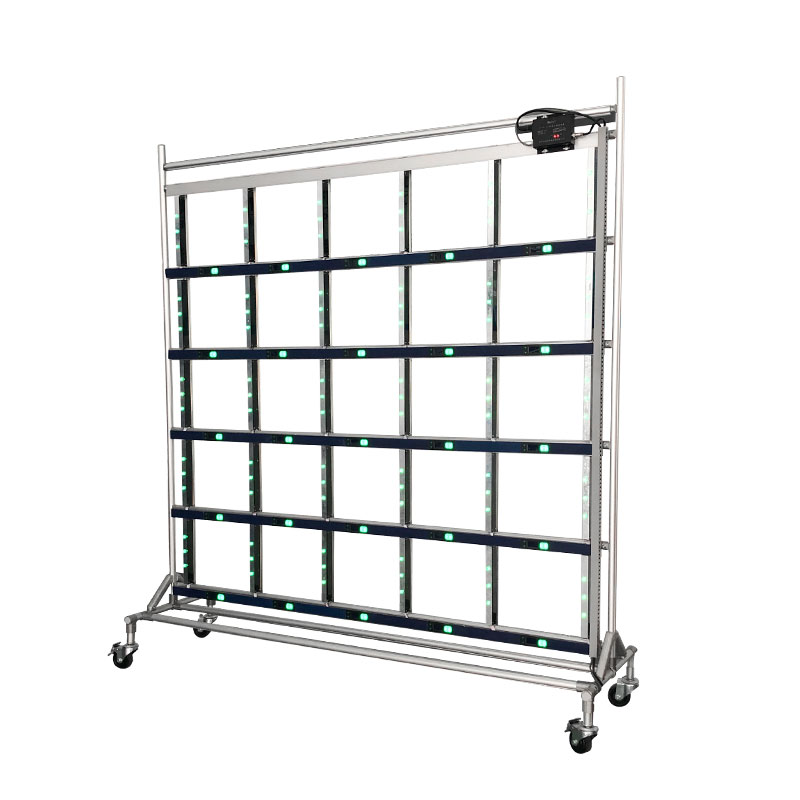
Each label represents an order customer or a distribution object. Taking out the total quantity of the ordered goods first, and scan the good's bar code to light up the corresponding PTL label. The distributor can match the goods to the cargo space according to the light or digital display of the PTL label. Put to light wall can be divided into fixed type or mobile type.
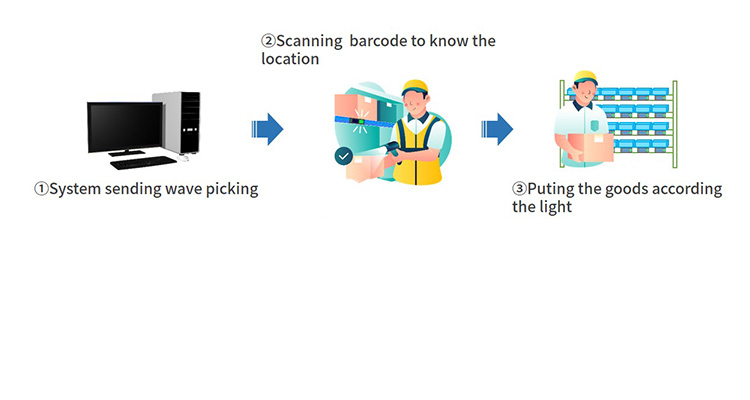
DAS Application 1
DAS Application 2
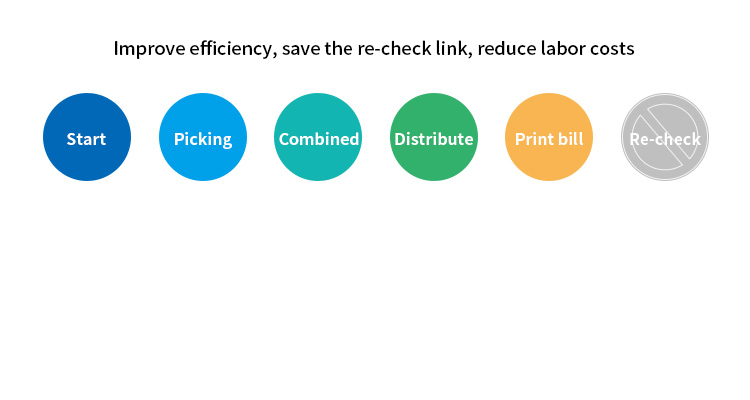
Metric Manual to distribute and recheck DAS
Cost Few software and hardware input Need some space for operating
ErrorRate High error rate Low error rate, less than 0.03%
Skill requirement High Low
Efficiency Low A staff 400 orders/day
Other Hard to check for receiver Documents correspond to the goods, easy to check
Product Specifications
Product Specifications Diagram
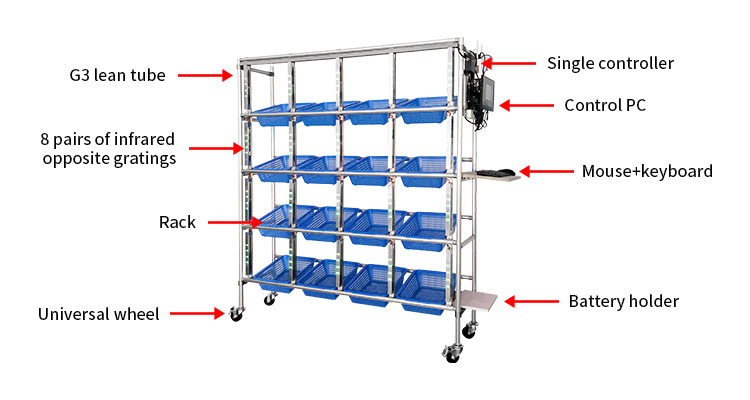
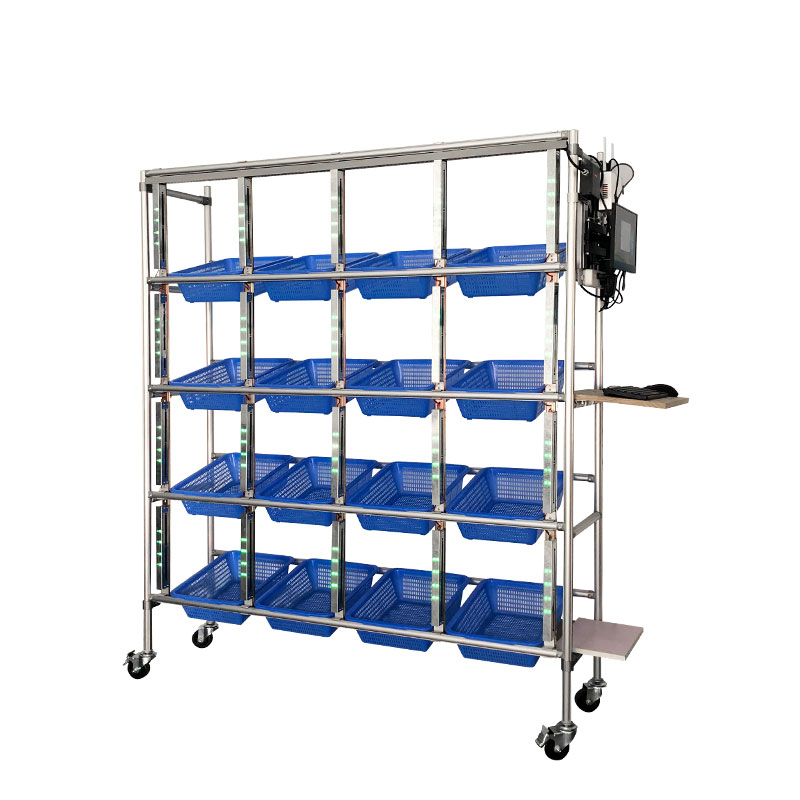
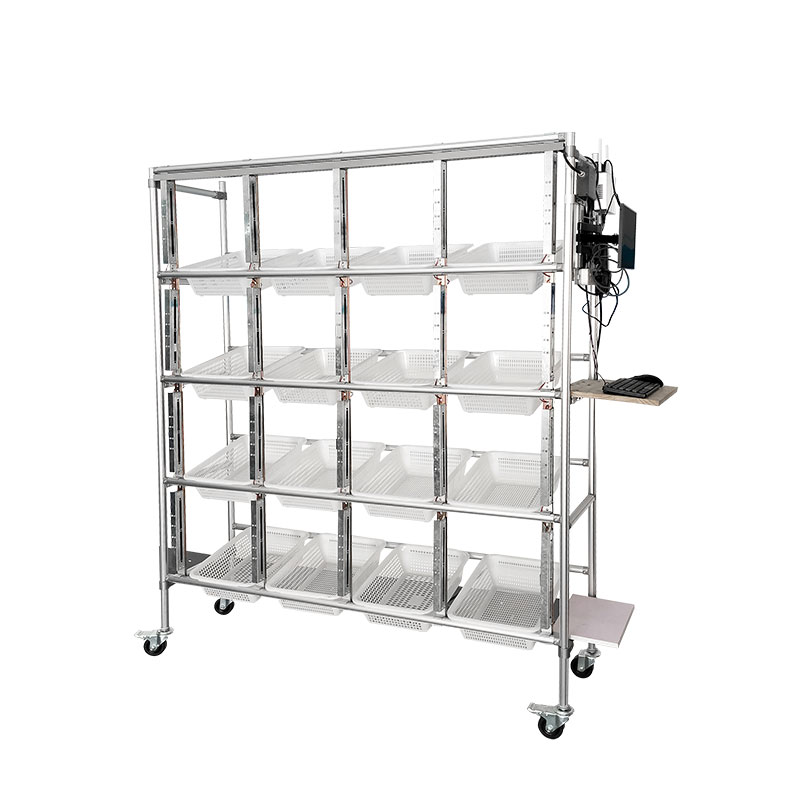
Single side grating lighting integrated rack Specifications
No Model JYPL-G8-D3
1 Rack Type G3 lean tube
2 Lattice size quantity 300*300mm, 16 Lattices, 4 floors * 4 columns
3 Grating type G1 lean tube 16 lattice port mobile, beam spacing 30mm
4 Bus Controller JYZK-B1-WIFI
5 Computer host MINI 4 core \ 8G \ 256G solid state
6 Display, mouse, speaker 15 inch HD, USB speaker
7 Voltage 100-240VAC
8 Pick-up truck specification G1 lean tube 16 lattice port mobile
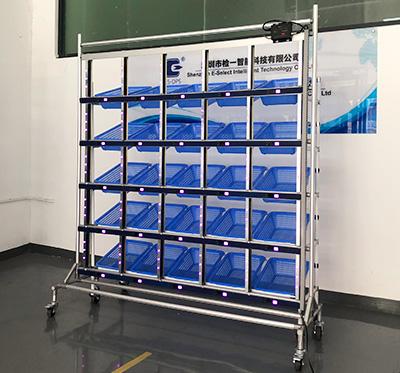
DAS Wall - Classification
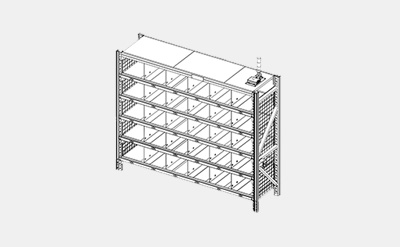
Rack type single side wall
PTL hardware install on one side of the rack. Operator put on and take down the goods from the same side of the DAS wall.
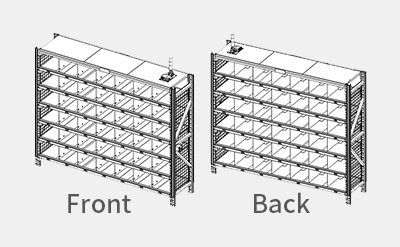
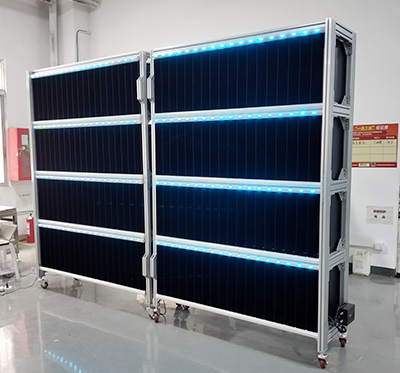
Rack type double sides DAS Wall
PTL labels install on both sides of the rack. Operator put the item on the front side wall and take down the items to packing from the back side wall after the corresponding order is complete.
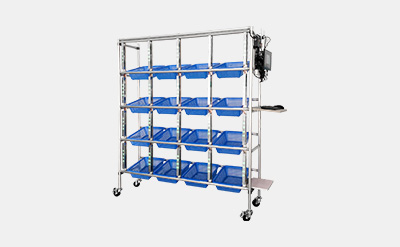
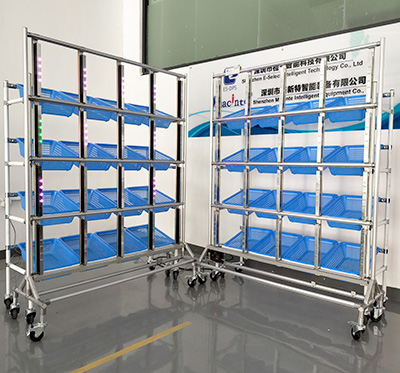
Mobile DAS Wall
Mobile DAS Wall
PTL hardware install on the mobile rack. Pushing the DAS wall to the operating area, and pushing it to the packing area after operation is complete.
Mobile/Fixed DAS Wall + Sorting rack
PTL install on DAS Rack. Pushing the mobile sorting rack behind the DAS wall. Operating on the DAS wall and pushing the sorting rack to the packing area when operation complete. Let another sorting car behind the DAS Wall to continue operating.
DAS wall Product Selection
Mode Working mode of DAS Wall Application scenario Hardware configuration
1 Sensing DAS Wall Single item sensing 1. Wireless scanner
2. Grating/strip
3. Alarm light (Optional)
2 Sensing DAS Wall 1. Single item Sensing
2. Multi items press light
1. Wireless scanner
2. 3 digits label+grating
3. Alarm light (Optional)
3 Sensing DAS Wall 1. Single item sensing
2. Multi items press light
1. Wireless scanner
2. 3 digits label+Strip
3. Alarm light (Optional)
4 DAS wall Multi items press light 1. Wireless scanner
2. 3 digits label
3. Alarm light (Optional)
5 DAS wall Single item press light 1. Wireless scanner
2. Pressable label
3. Alarm light (Optional)
6 Double sides DAS wall Box closing size no need scan 1. Label: Pressable
7 Double sides DAS wall Box closing size need scan 1. Wireless scanner
2. Label: Unpressable
Right-angled DAS Wall
3 digits grating stand + car
Automatic induction grating wall
System Architecture
System Architecture Diagram
Architecture Components
  • 1. Data source: The existing WMS system, ERP, MIS, etc. or manually inputting the information.
  • 2. Control PC: Used to download the order from WMS and send the outbound information to Intelligent BUS module through network switch.
  • 3. Network switch: From one interface to multiple interfaces, also known as the bridge.
  • 4. Intelligent BUS: Control the work of signal lamp and electronic tags of captioning machine, and transmit the completed job information back to PC. Achieve two-way communication.
  • 5. Alarm light: Used in the working area to prompt the task to be done in the area.
  • 6. Multi-function label: Can be connected to the alarm light and scanning gun.
  • 7. Electronic label: Used to display the goods location, quantity and send out indicating information.
Available Display Labels
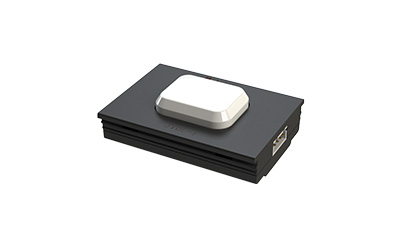
Single complete label
1. Screen display: No
2. Button color: 6 colors
3. Size: L-50mm W-36mm H-11.5mm
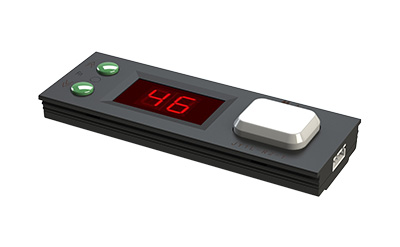
2 digits display label
1. Screen display: 2 red digits display
2. Button color: 6 colors
3. Size: L-100mm W-36mm H-11.5mm
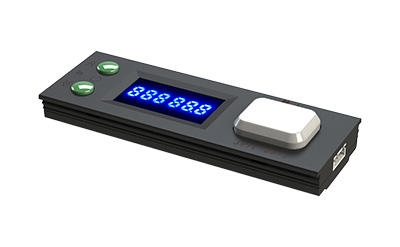
3 digits label
3 digits label
1. Screen display: 3 blue digits display
2. Button color: 6 colors
3. Size: L-100mm W-36mm H-11.5mm
6 digits display label
1. Screen display: 6 color digits display
2. Button color: 6 colors
3. Size: L-100mm W-36mm H-11.5mm
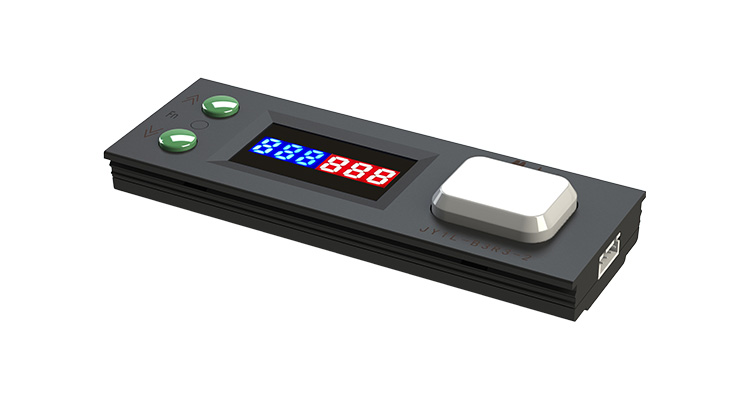
6 digits double color display label
1. Screen: 3 blue digits + 3 red digits
2. Button color: 6 colors
3. Size: L-100mm W-36mm H-11.5mm
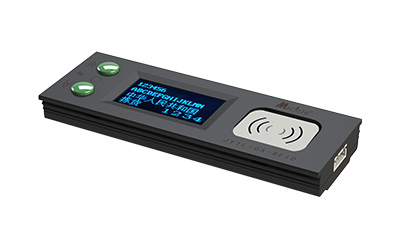
RFID label
RFID label
1. Screen: Lattice display 128*64
2. Support RFID sensing
3. Size: L-100mm W-36mm H-11.5mm
Product Configuration
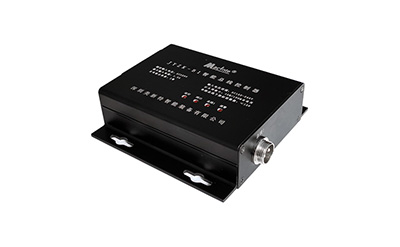
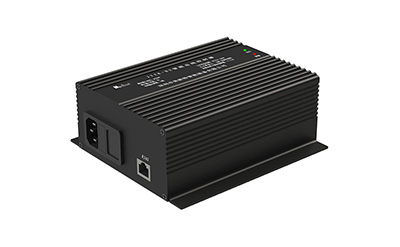
Single Channel bus controller
Max label quantity: 128
Double channel bus controller
Max label quantity: 256
Achieve two-way communication signal lamp and electronic tags
No Model JYZK-B1 JYZK-B2
1 Working Voltage 100-264V 100-264V
2 Max input current 1.0A 1.5A
3 Communication distance 500m 500m
4 Working environment -30℃ ~ 60℃ -30℃ ~ 60℃
5 Ethernet interface 10M/100M 10M/100M
6 Network port mode TCP Client, TCP Server, UDP Client, UDP Server
More Accessories
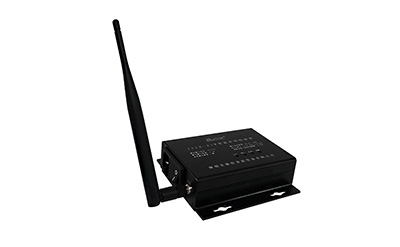
WIFI single bus controller
1. Connect labels: max 128pcs
2. WiFi interface: 2.4G 802.11b/g/n
3. WiFi working mode: STA/AP mode, AP+STA mode
4. Distance: <500m
5. Power supply: AC100-264V / 1A
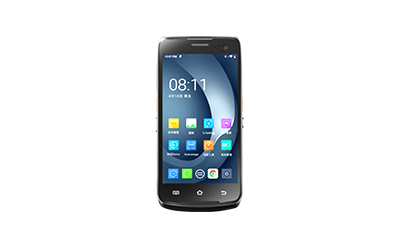
Wireless PDA/RF Terminal
Wireless PDA / RF Terminal
1. Pre-installed PTL software (Support WMS/MES etc)
2. Android systems (support WiFi, 4G)
3. Support barcode reading & camera, 5.98 inch touch screen
4. 4G memory + 64G storage
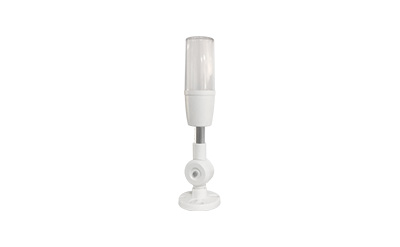
Tower Light
Tower Light
1. Input power supply
2. Indicating the sorting area
3. Light color: 6 colors (red, green, blue, yellow, cyan, purple)
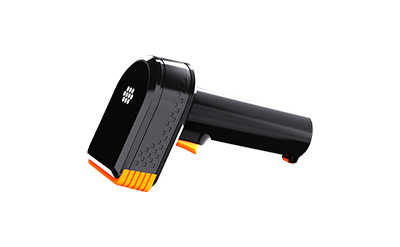
Wireless Scanner
Wireless Scanner
1. Supports 1D QR code WiFi
2. WIFI connection
3. Chargeable
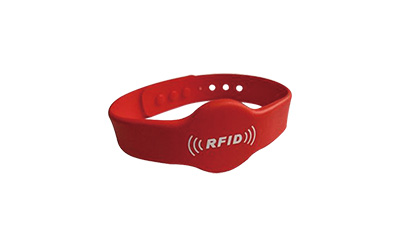
RFID Bracelet
RFID Bracelet
1. RFID technology
2. Silicone waterproof material
3. Wrist wear design
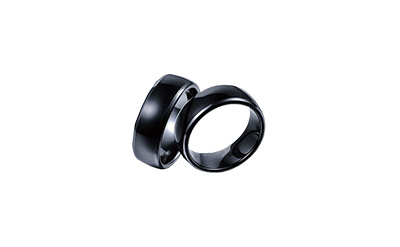
RFID Ring
RFID Ring
1. RFID technology
2. Silicone waterproof material
3. Finger wear design
Installation Instructions
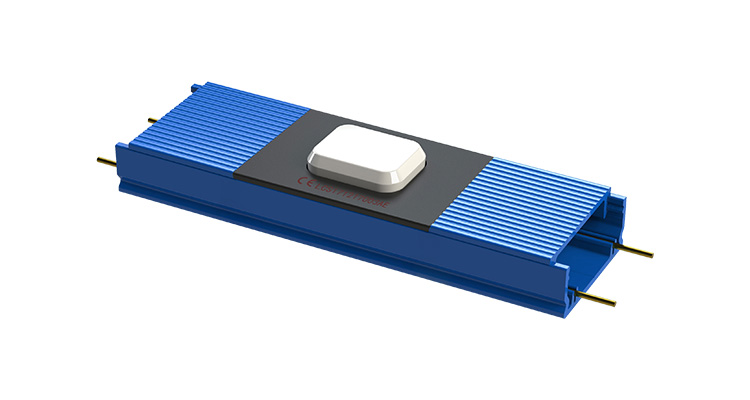
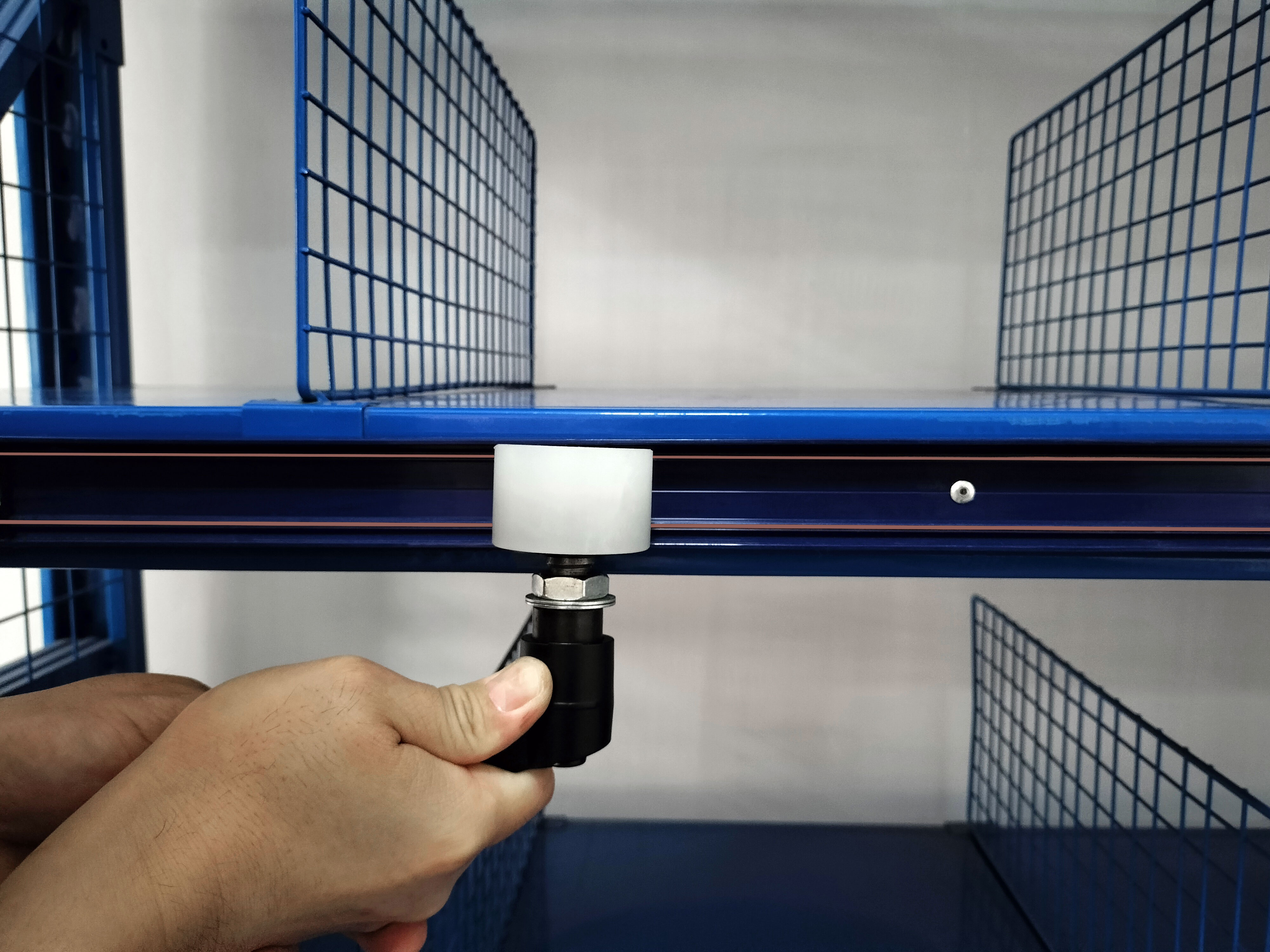
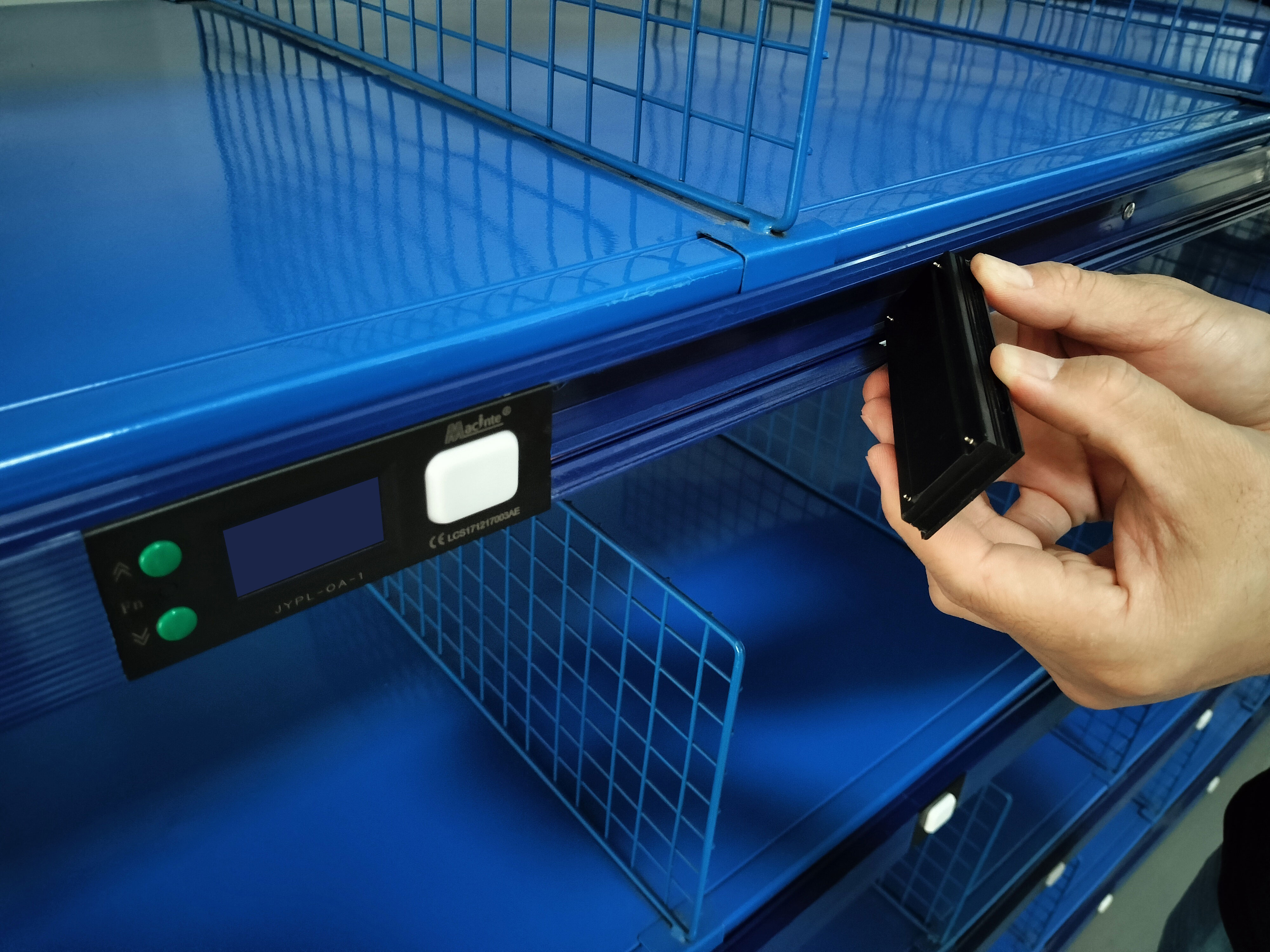
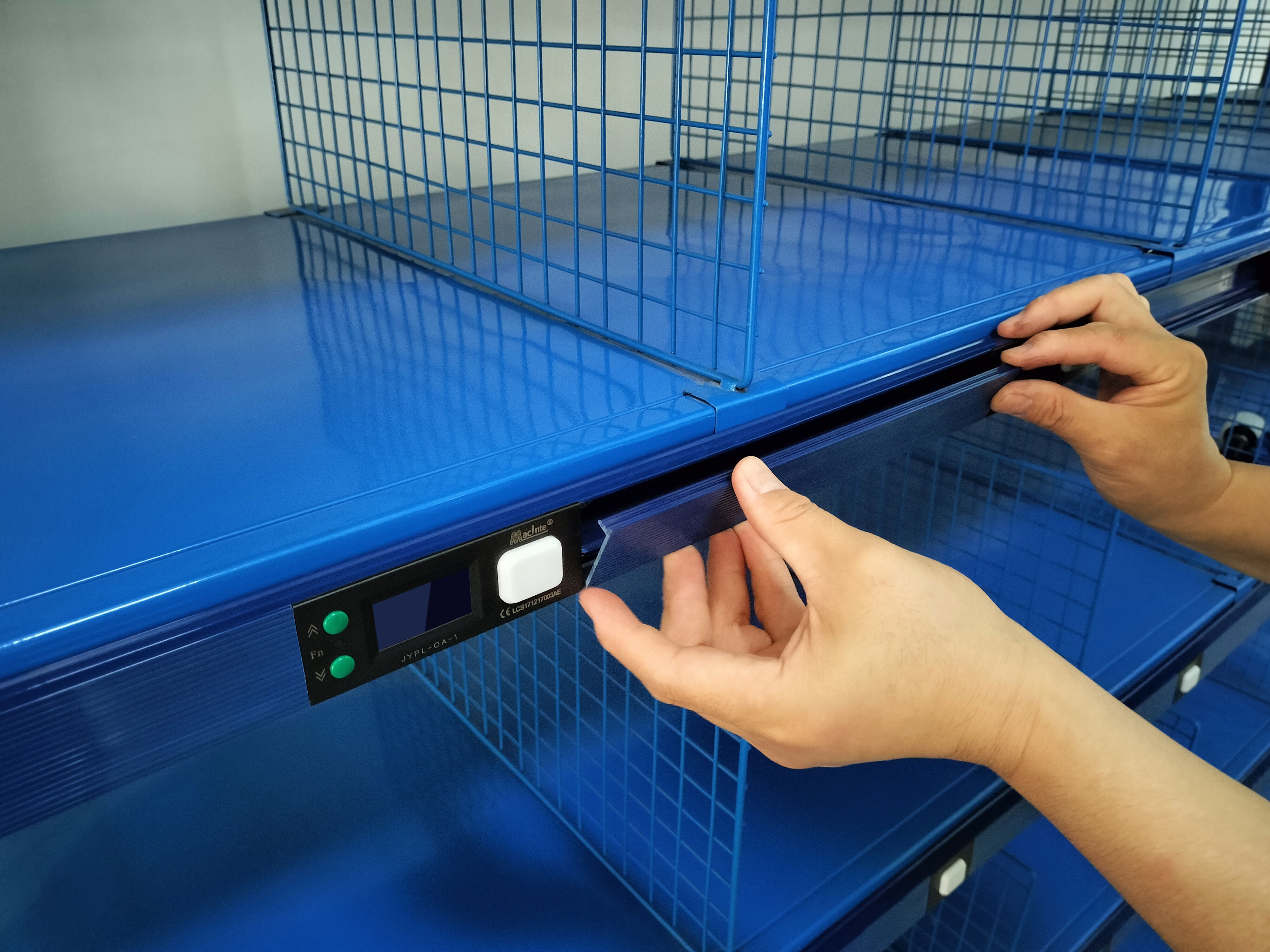
PVC Duct Installation
  • 1. PVC flame retardant material conforms to national wire groove safety regulations.
  • 2. Convenient for quick label installation and disassembly.
  • 3. The two copper wire rails can be separated from the duct body simply.
PVC Duct Installation details
Intelligent BUS type (Much easier installation)
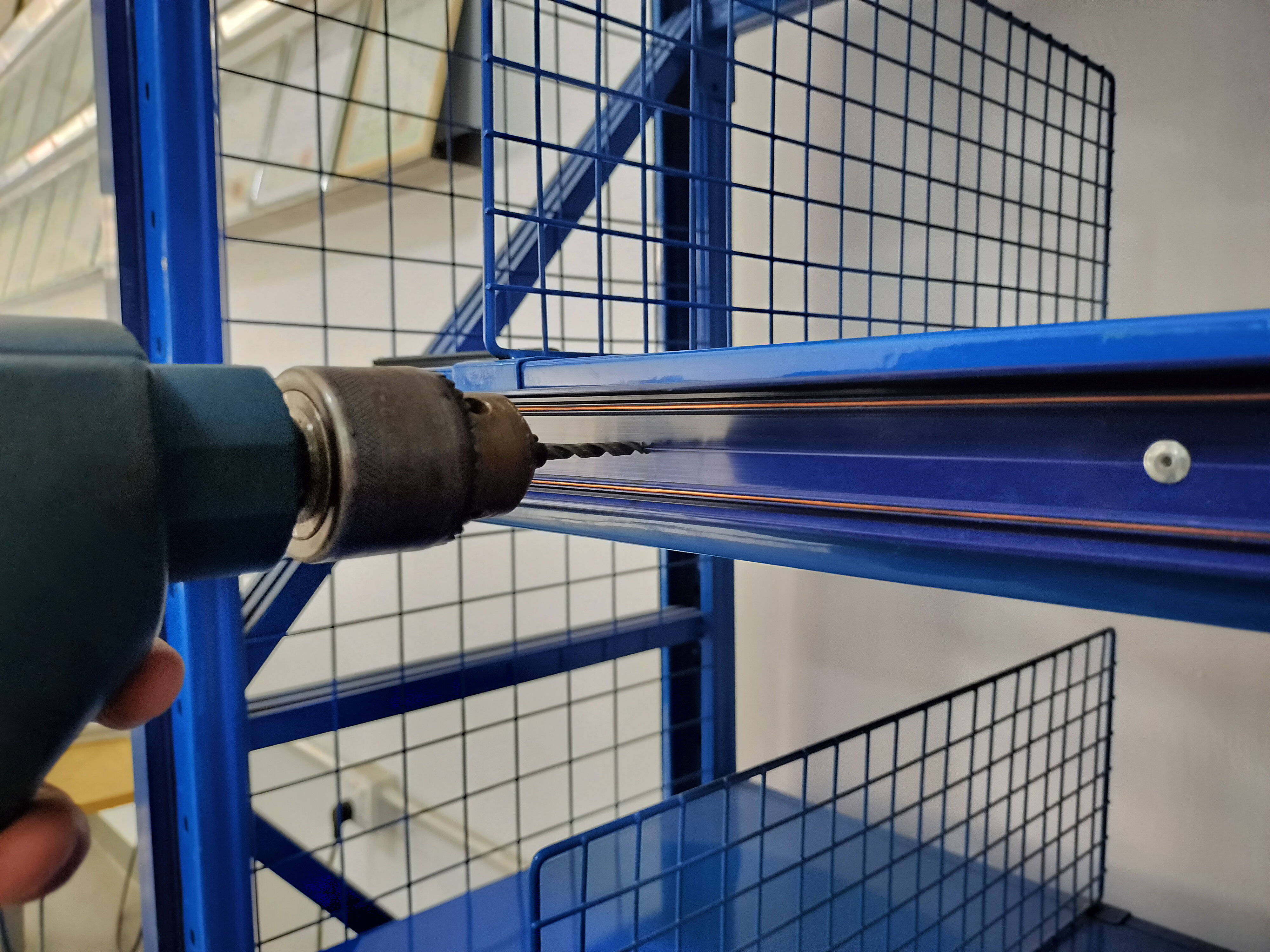
Bus Installation Step 1
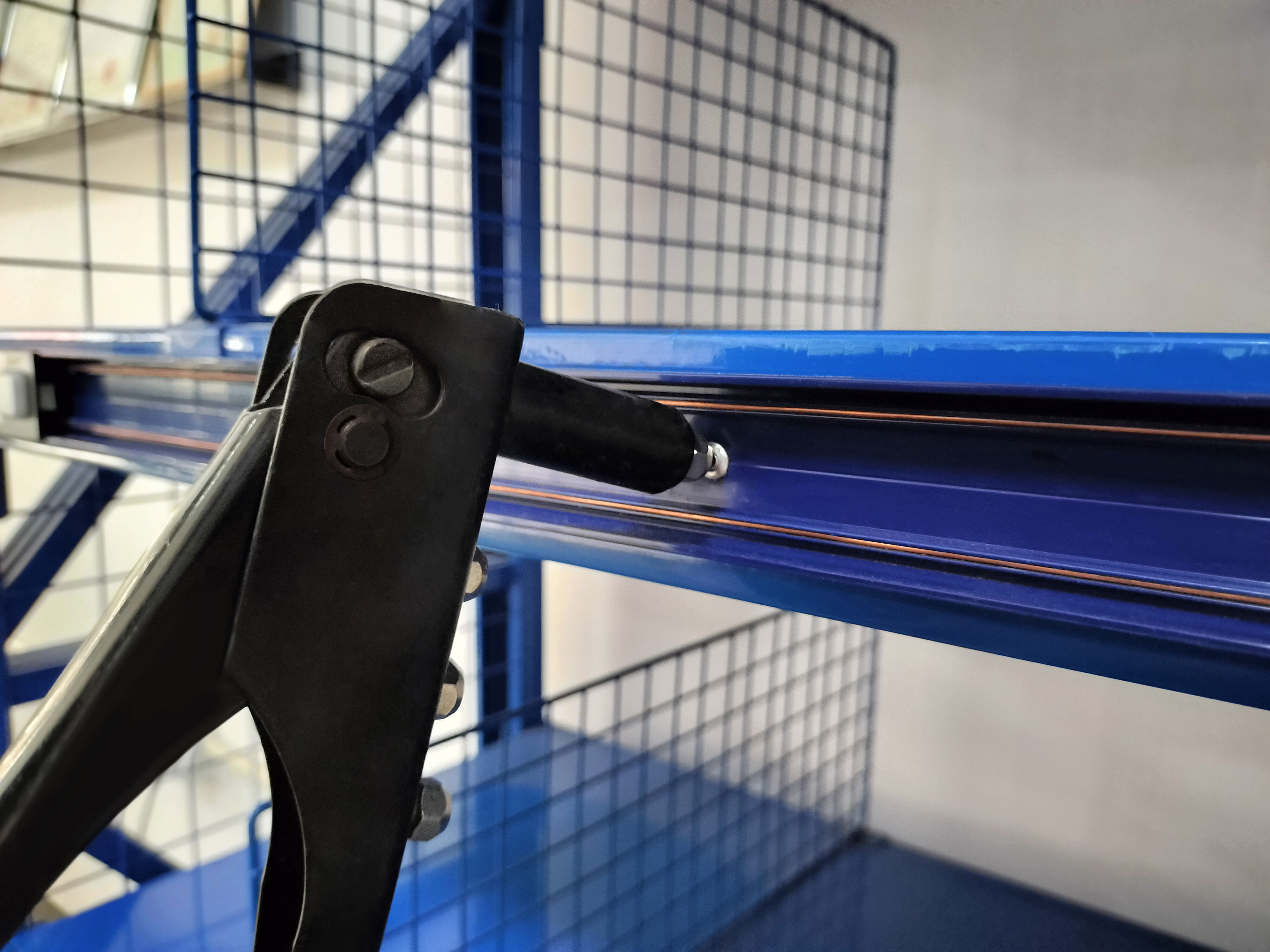
Bus Installation Step 2
Bus Installation Step 3
Bus Setup 1
Bus Setup 2
Bus Setup 3
Certifications
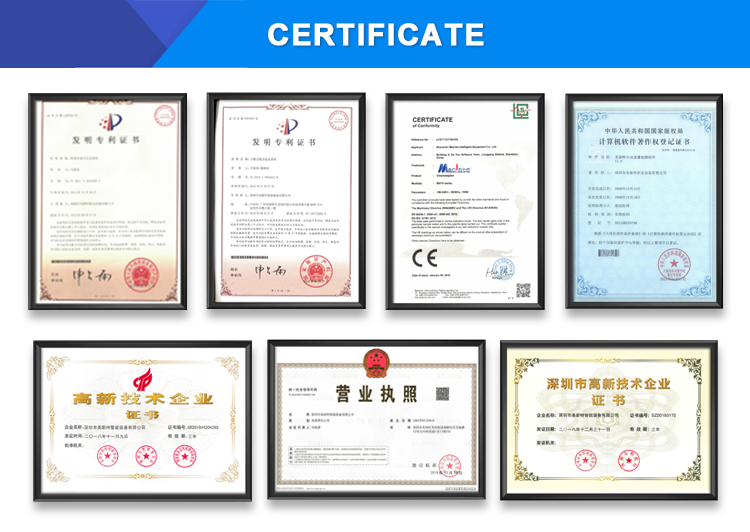
Certifications Showcase
Exhibition
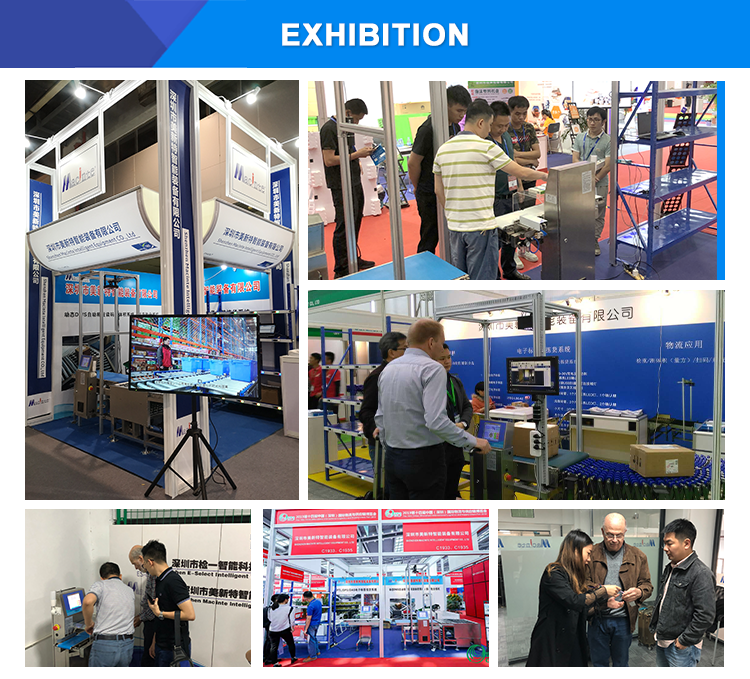
Exhibition Showcase
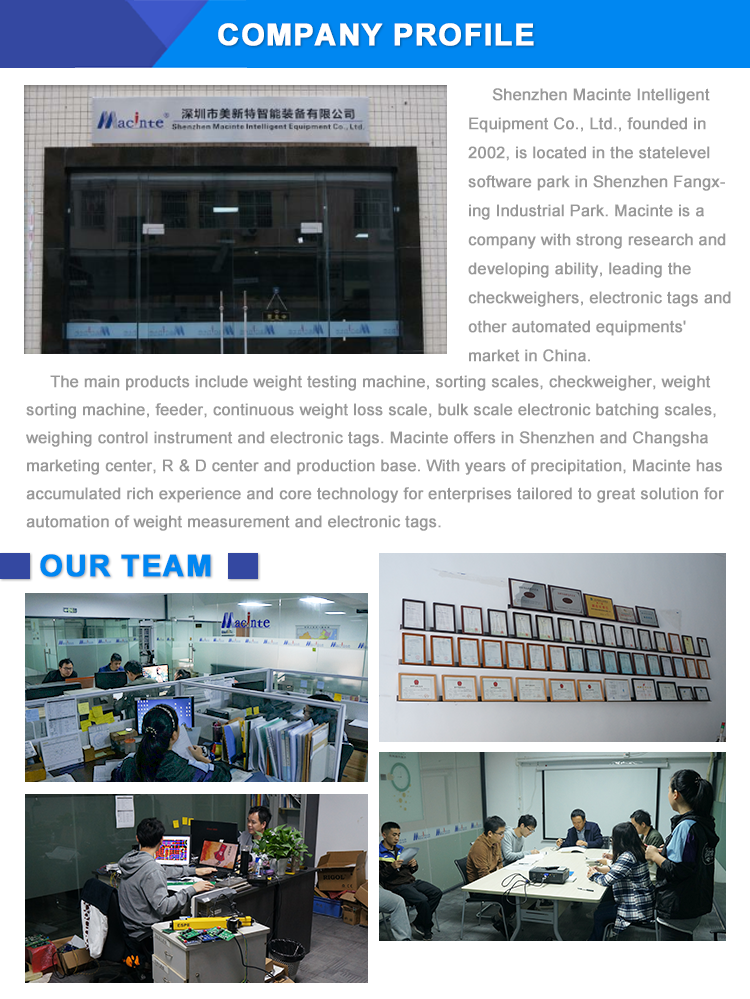
Company Profile
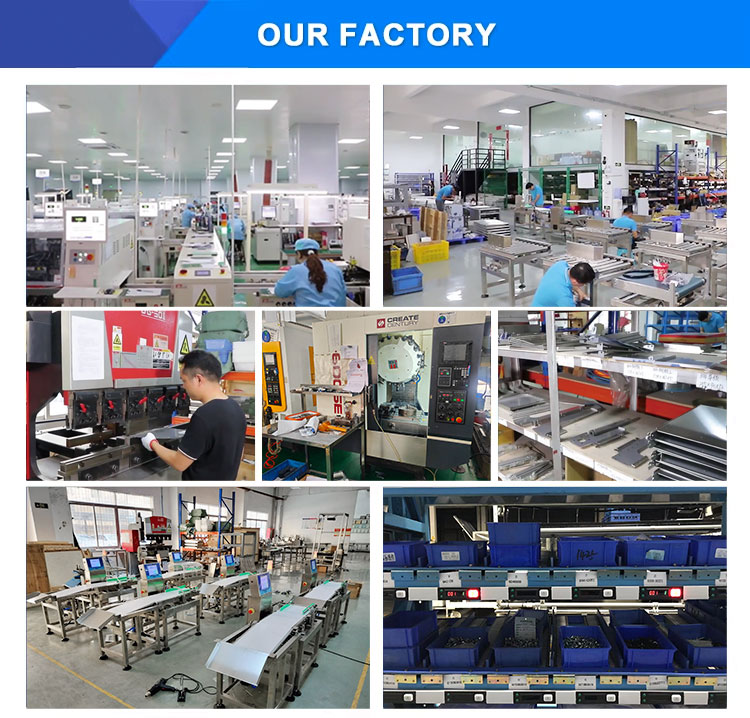
Factory Overview 1
Factory Overview 2
Why Choose Us
Why Choose Us Diagram
Frequently Asked Questions
How does the Digital Assorting System (DAS) improve warehouse accuracy?
DAS utilizes Pick-to-Light (PTL) technology. By scanning item barcodes, it automatically illuminates the target slot's digital tag, showing the exact quantity required. This visual instruction reduces sorting errors to less than 0.03%, compared to much higher error rates in manual processes.
What are the different configuration modes of a DAS Wall?
DAS Walls can be configured as Sensing DAS Walls (using sensors, light grids, or strips to detect picks automatically) or standard DAS Walls where operators press PTL buttons manually. They can also be customized into single-sided, double-sided, fixed, or mobile units based on warehouse layout demands.
How many electronic labels can a single bus controller support?
The JYZK-B1 single channel bus controller supports a maximum of 128 labels. For larger setups, the double-channel bus controller supports up to 256 labels. Multiple controllers can be integrated via the network switch for even larger systems.
Can this system integrate with our existing WMS or ERP?
Yes. The system architecture is designed to import data directly from external WMS, ERP, or MIS databases. The control PC communicates with these databases over a standard network network switch to manage order and dispatch workflows.
What makes the Intelligent BUS type easy to install?
The Intelligent BUS setup utilizes a specialized PVC duct that conforms to wire groove safety standards. The design features integrated copper rails inside the duct, allowing electronic tags and labels to be clicked in or removed easily without complex manual wiring.
What kinds of electronic labels are available for configuration?
We offer multiple label varieties tailored to different workflows, including single-button labels (no screen), 2-digit red display labels, 3-digit blue display labels, 6-digit multicolor display labels, 6-digit double-color labels (blue/red), and specialized RFID-compatible labels.

Related Products